Synthesis
Note
The commands run in the terminal from this page require the OpenLane environment to be running in the terminal.
Preparing design
In /home/debian/OpenLane/designs create a subdirectory named counter. In the counter directory create a subdirectory src and copy counter.v to the src directory. The most important file, besides the source files, is config.json. Create the file config.json with a below configuration.
{
    "//": "Basics",
    "DESIGN_NAME": "counter",
    "VERILOG_FILES": "dir::src/*.v",
    "CLOCK_PERIOD": 10,
    "CLOCK_PORT": "clk",
    "FP_CORE_UTIL":20
}
Running a flow
You can run command from below to generate ASIC from Verilog code.
./flow.tcl -design counter
Results
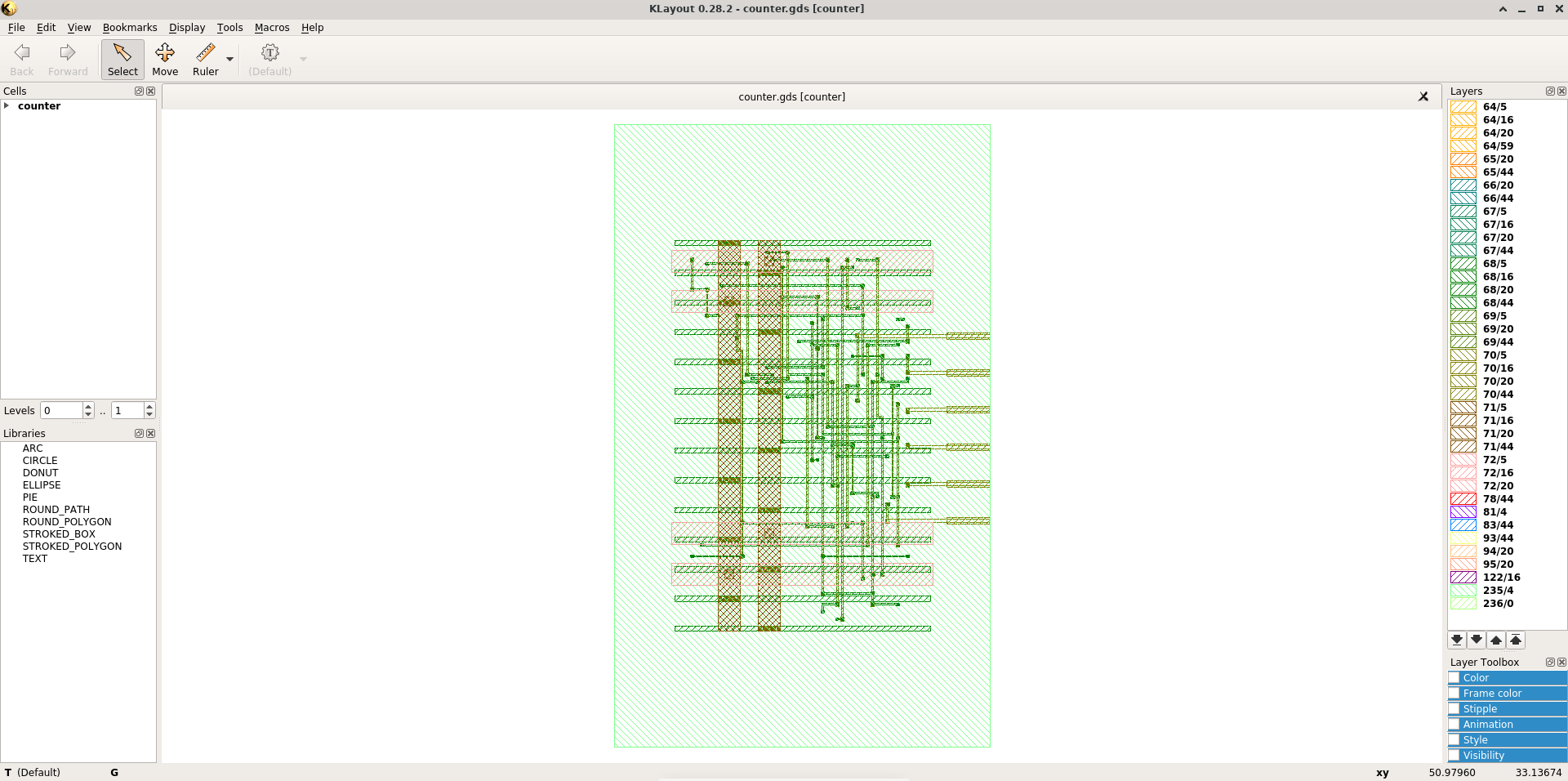
The main and most important result is ASIC generated in GDSII. Besides you can find metcis.csv in /home/debian/OpenLane/designs/counter/runs/RUN_2024.05.04_23.34.47/reports/.
Use klayout to see GDSII of counter.
klayout designs/counter/runs/RUN_2024.05.04_23.34.47/results/final/gds/counter.gds
Metrics can be imported by LibreOffice Calc.
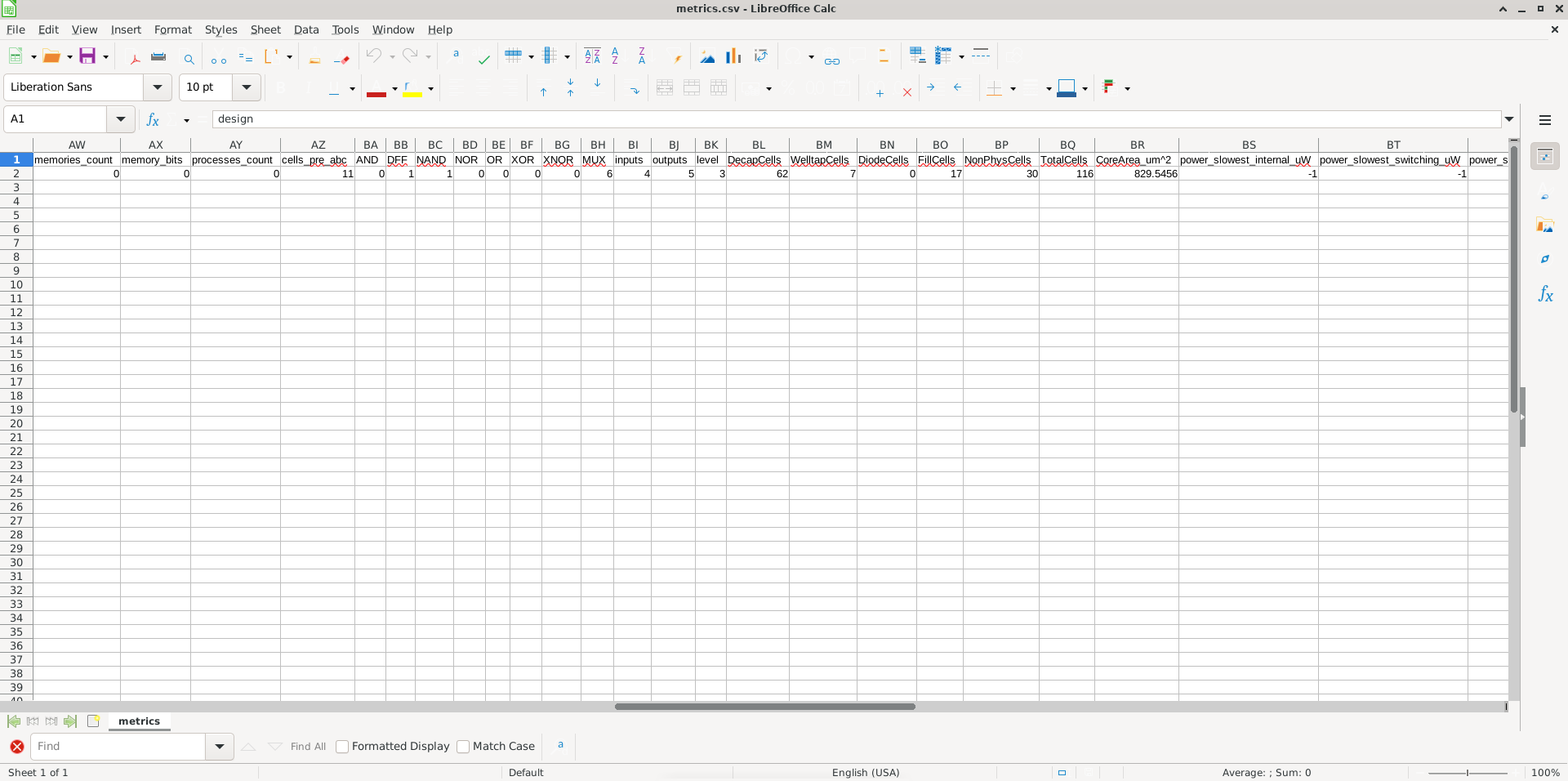
Check the file to see the most interesting parameter like a frequency and a chip’s area.